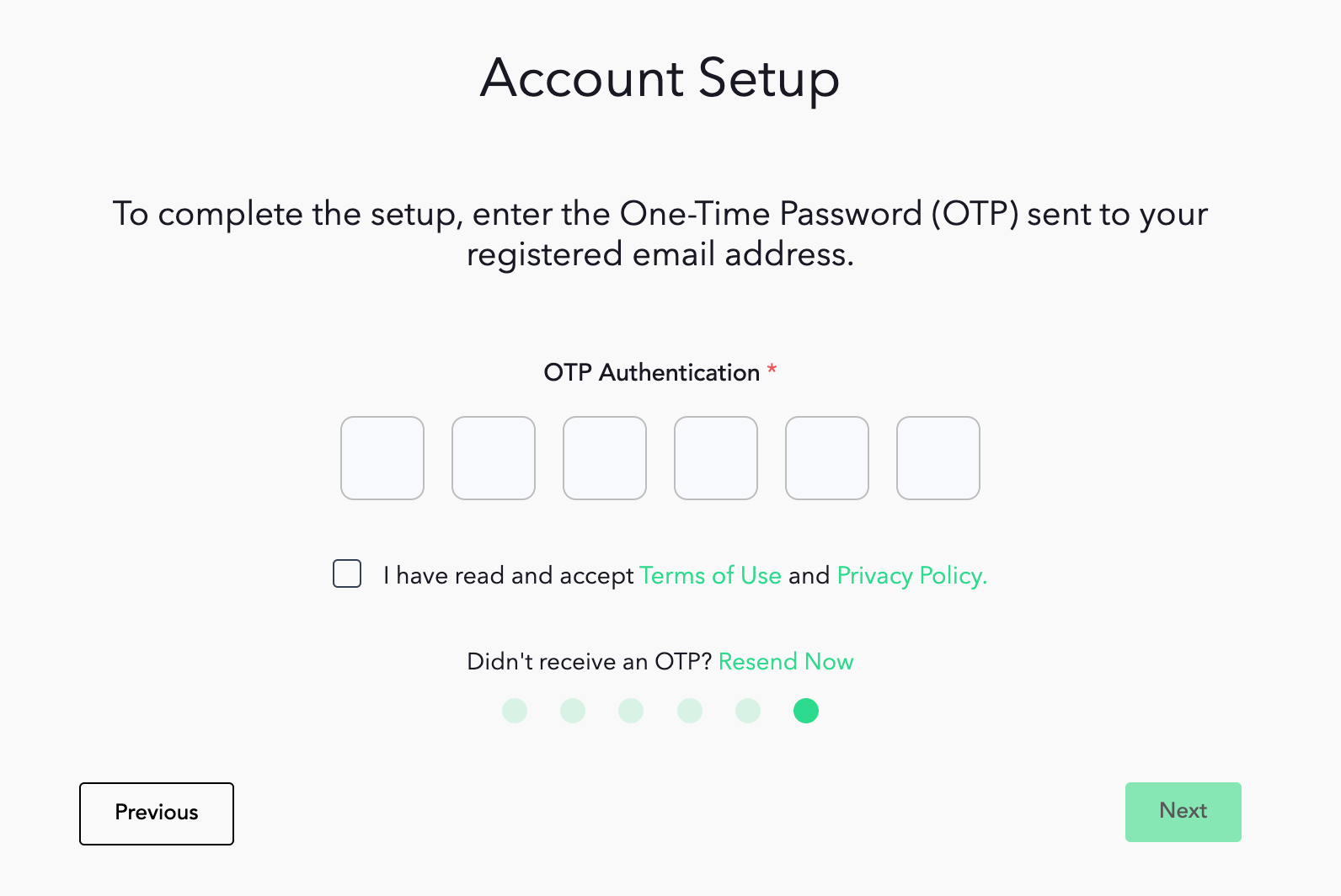
A guide on how to set-up your Maya Quick Tax account.
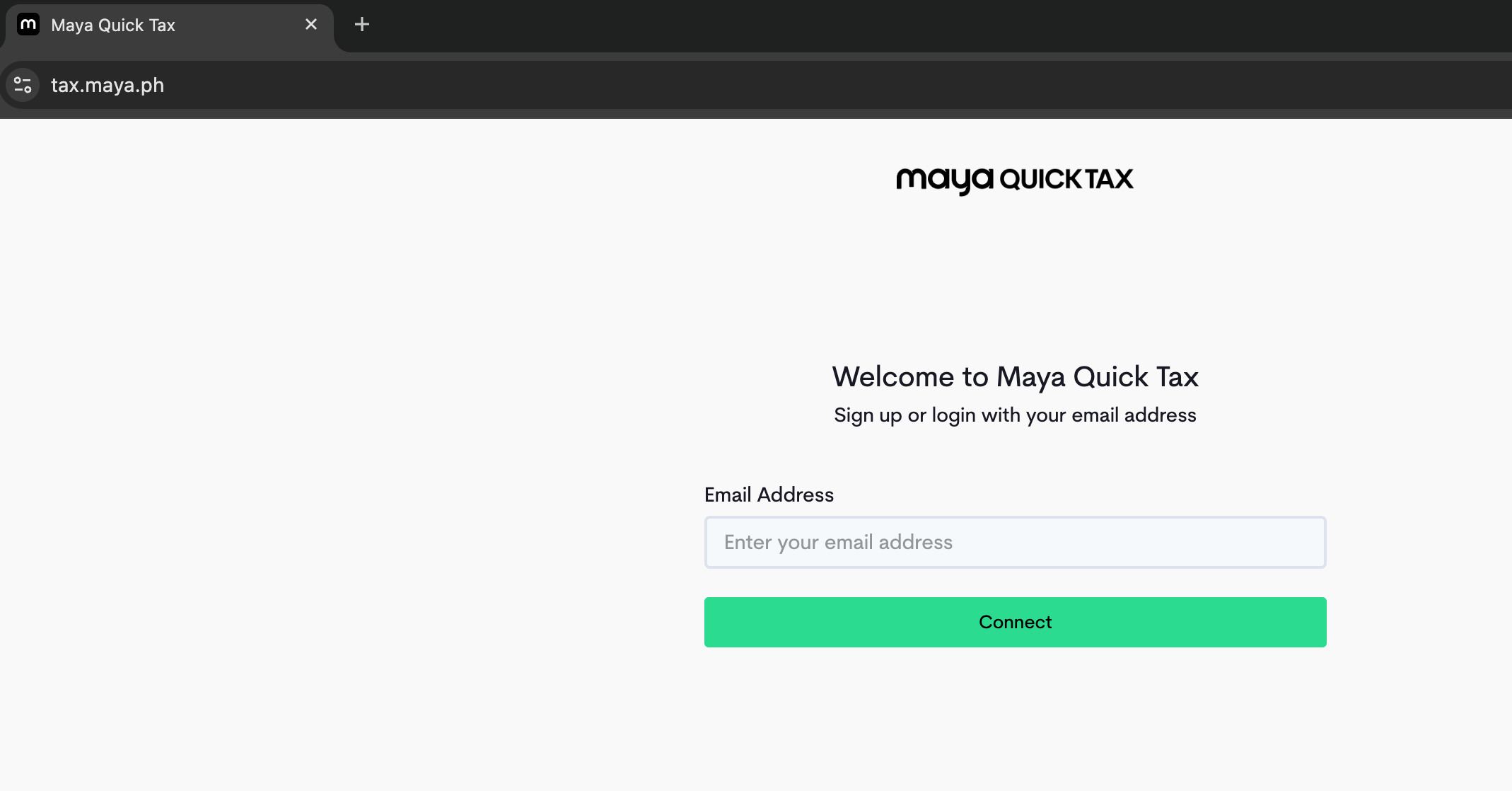
STEP 1: Go to https://tax.maya.ph/ then enter your email address
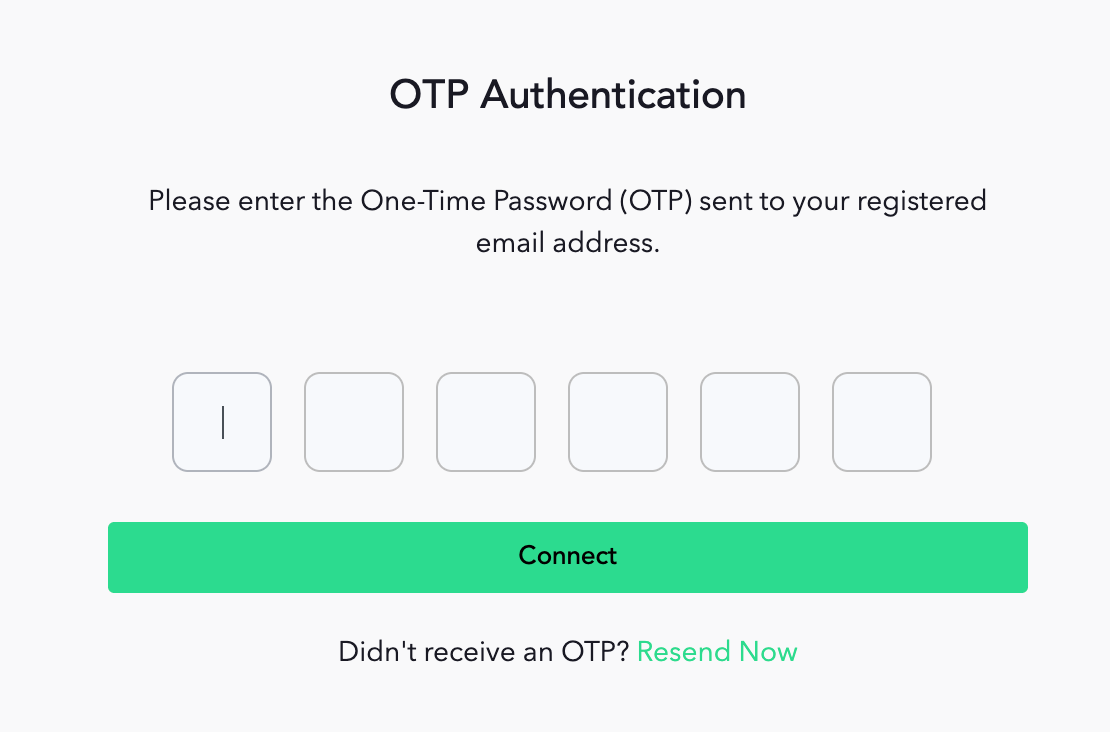
STEP 2: Fill in and verify Email with OTP
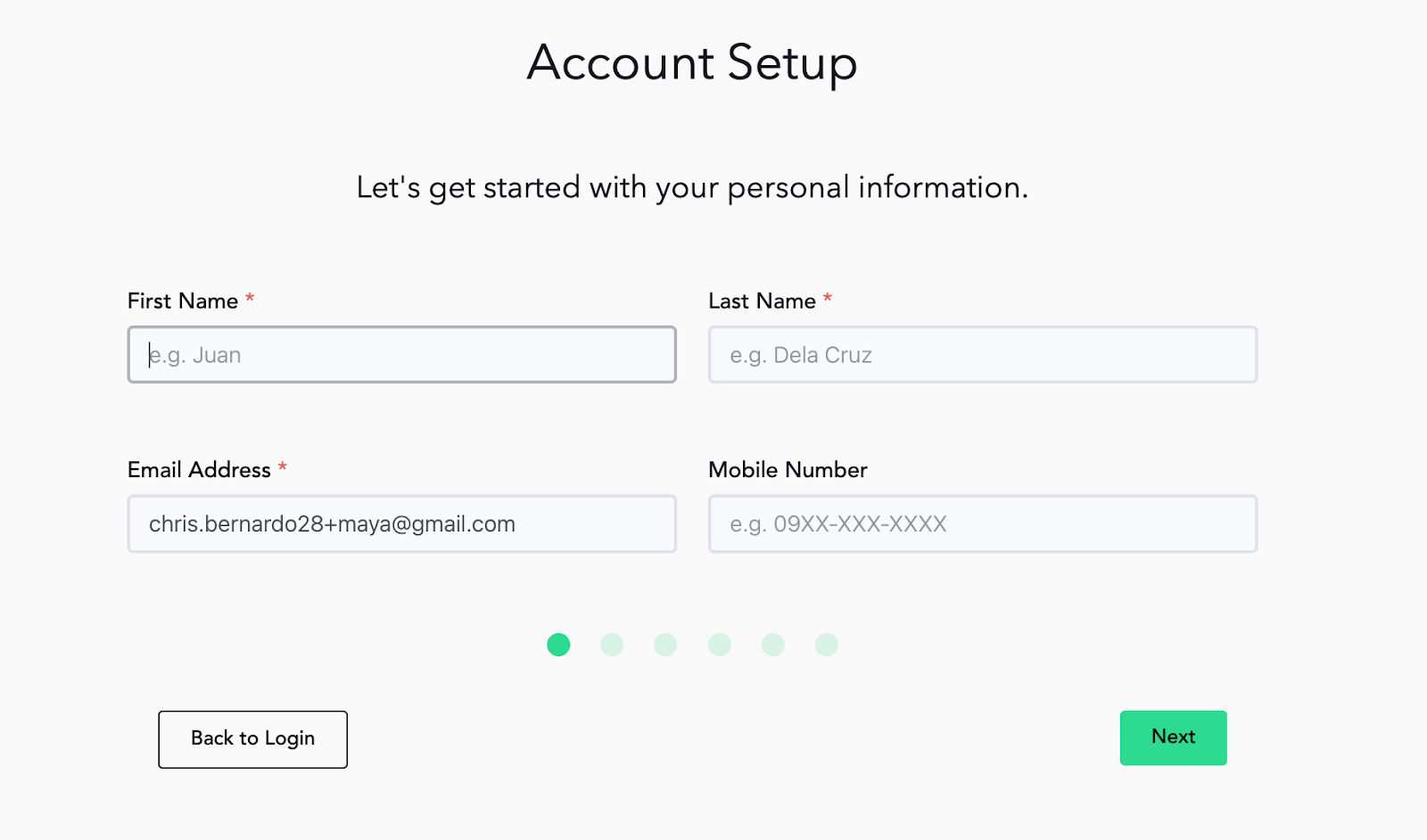
STEP 3: Fill out all the necessary information requested.
The following information will be requested:
First Name
Last Name
Mobile Number
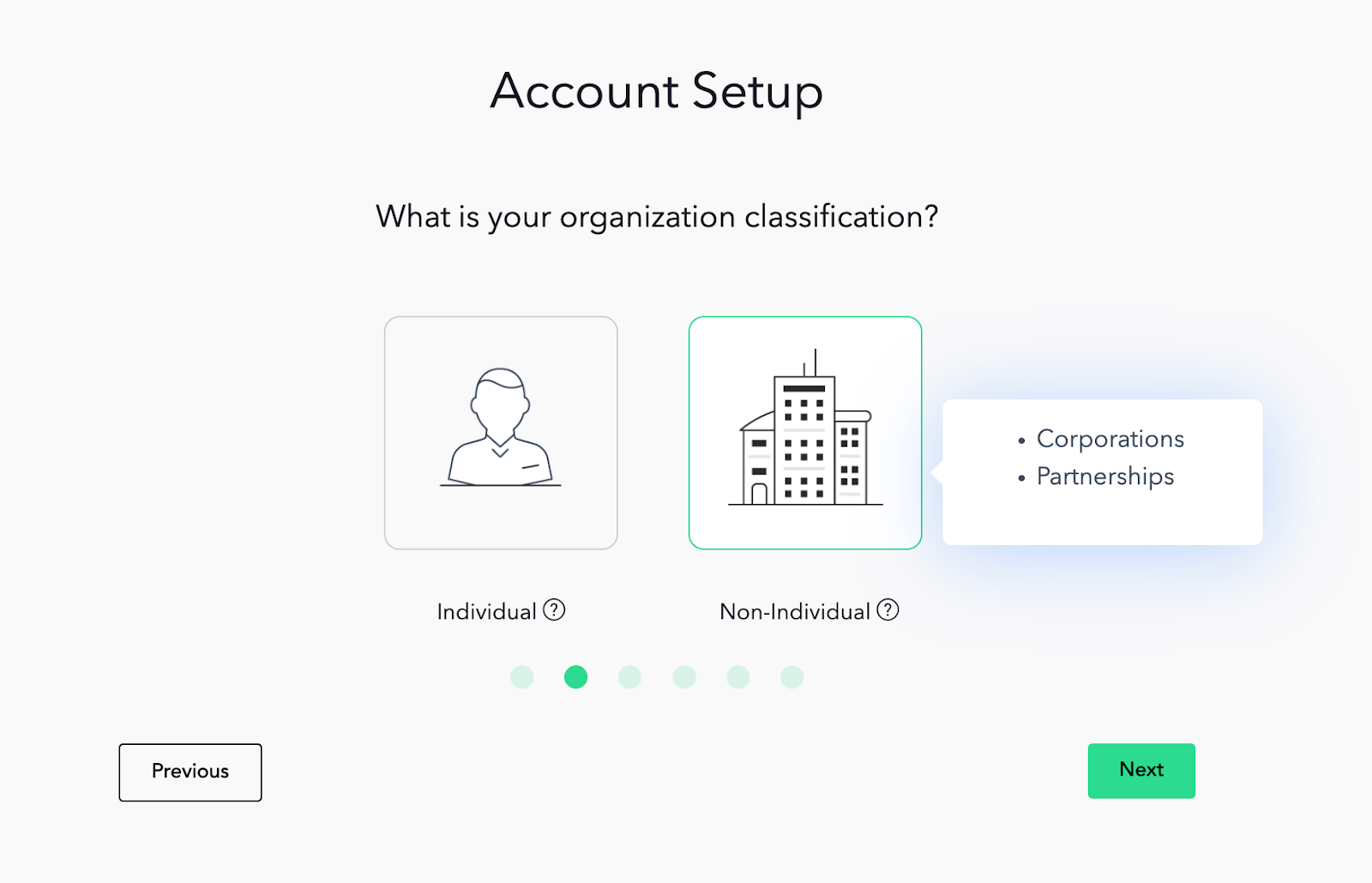
STEP 4: Set up taxpayer type - choose the classification of your organization and set up the details that will follow depending on your classification.
To further help you, we provided you with a list to know whether your organization is classified under individuals or non-individuals.
Individual
Sole Proprietors
Self-Employed or Freelancers
Professionals
Self-Employed or Business Owner and employed at the same time
Non-Individual
Partnerships
Corporations
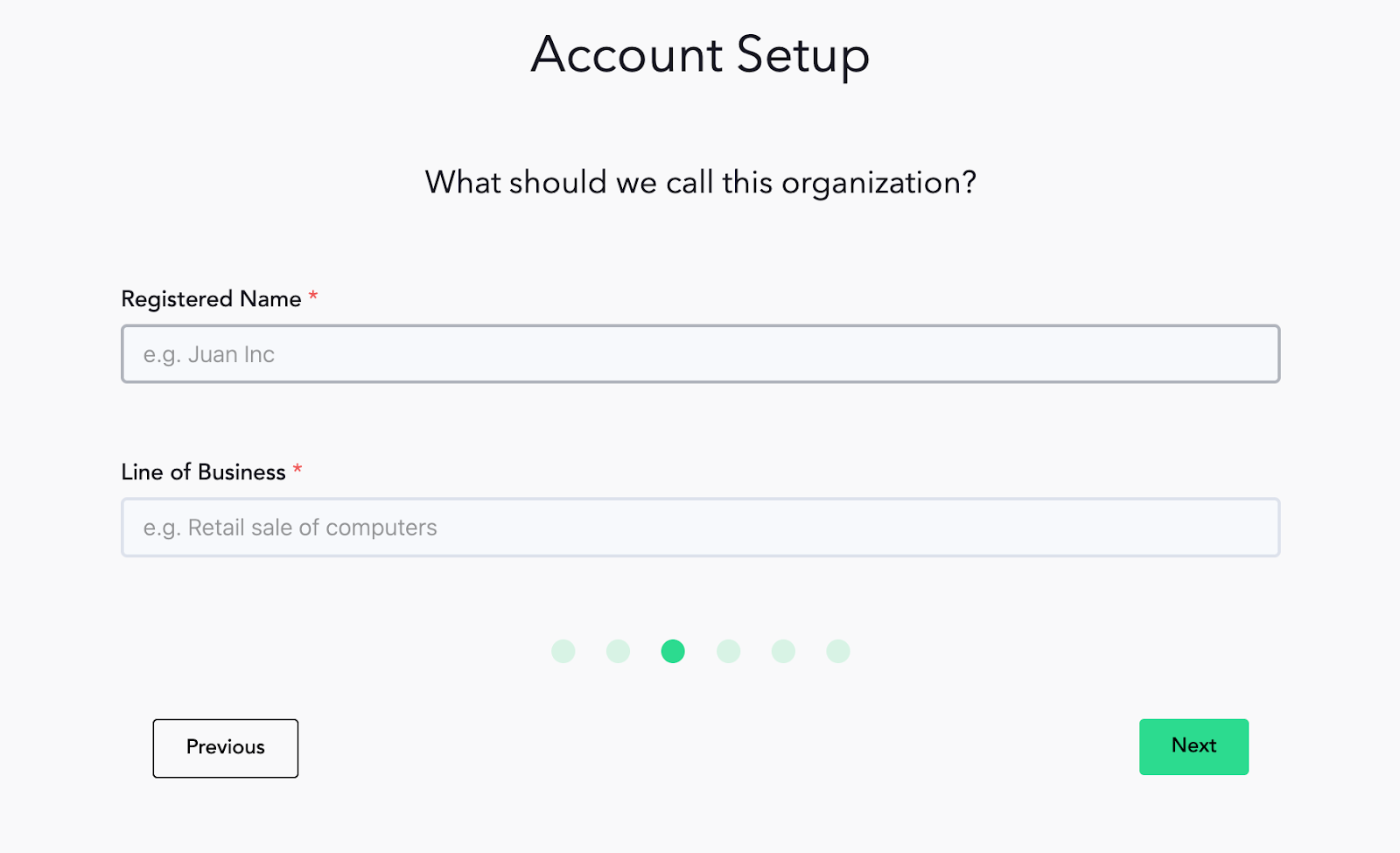
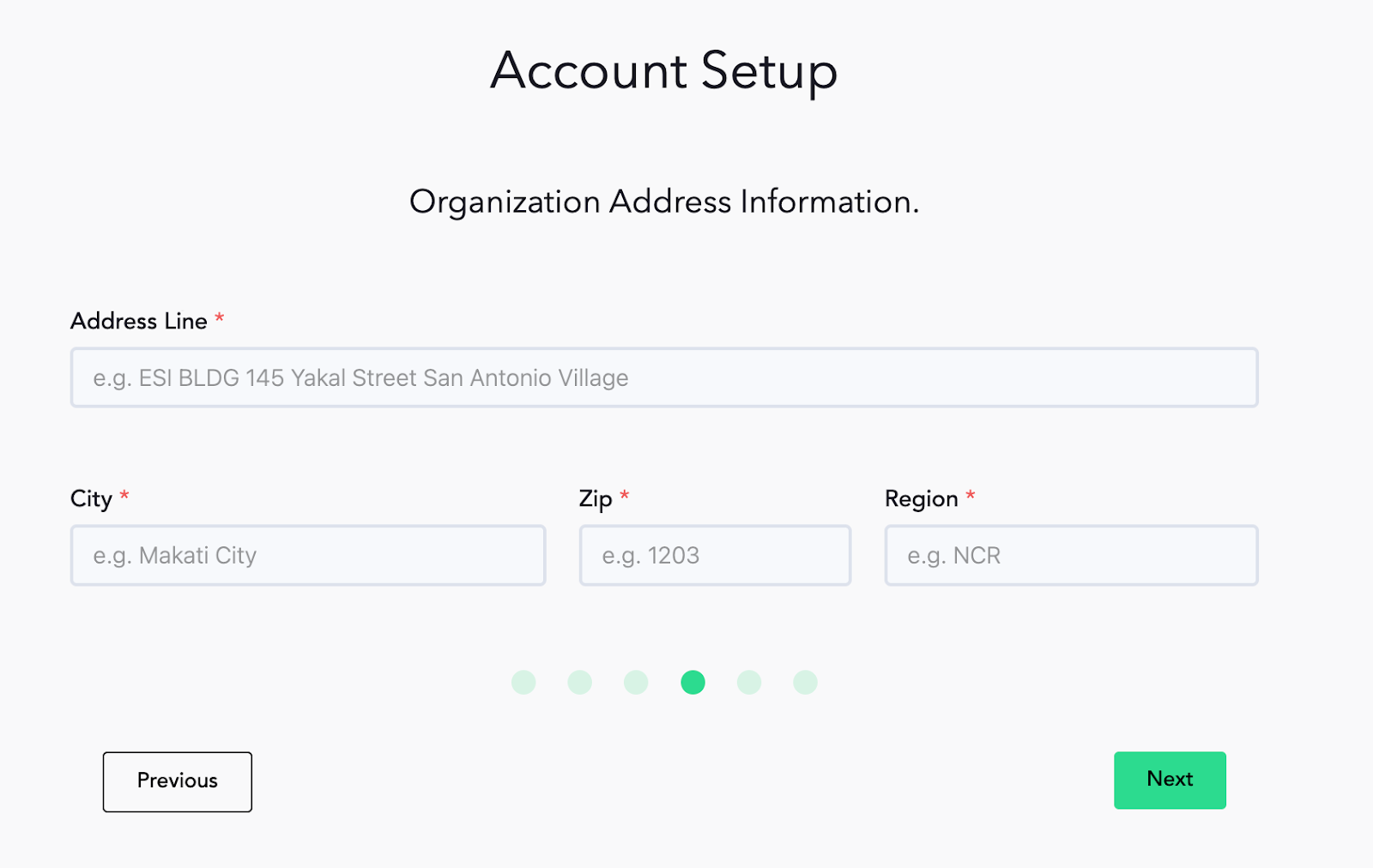
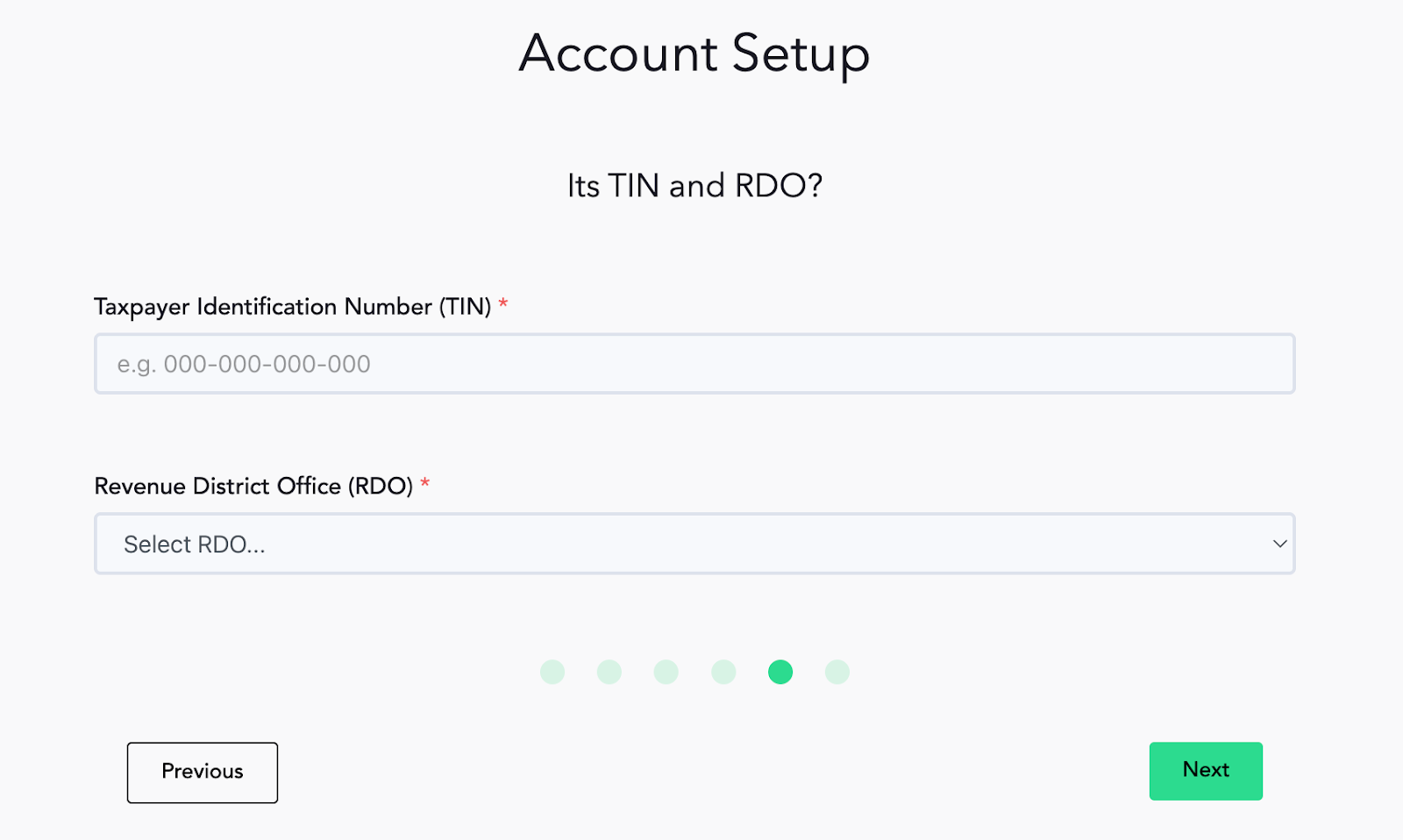
STEP 5: Fill out all the necessary information requested.
Trade name
Line of Business
Address
TIN
RDO
STEP 6: Verify your registered Email with OTP
Copy and paste the six digit pin and you’ll be routed to your Maya Quick Tax platform’s dashboard