
In this guide, you will learn all about filing BIR Form 1601-EQ. Such as who, when, and how to file this form using Maya Quick Tax.
What is it?
BIR Form 1601-EQ is a tax form that is used to remit all other forms of final withholding taxes. Much like form 1601-FQ, 1601-EQ forms can be used in remitting taxes withheld for the 3rd month of the quarter, in accordance with the provisions listed within the TRAIN law.
Who needs to file it?
This quarterly withholding tax remittance return shall be filed by every withholding agent (WA) or payor required to deduct and withhold taxes on income payments subject to Expanded / Creditable Withholding Taxes.
When do you file it?
1601-EQ forms shall be filed not later than the last day of the month, following the end of the taxable quarter during which the withholding tax was made.
How to File?
To file a BIR Form 1601-EQ in Maya Quick Tax, follow the steps below:
STEP 1: From your portal, click on the Start Return button.

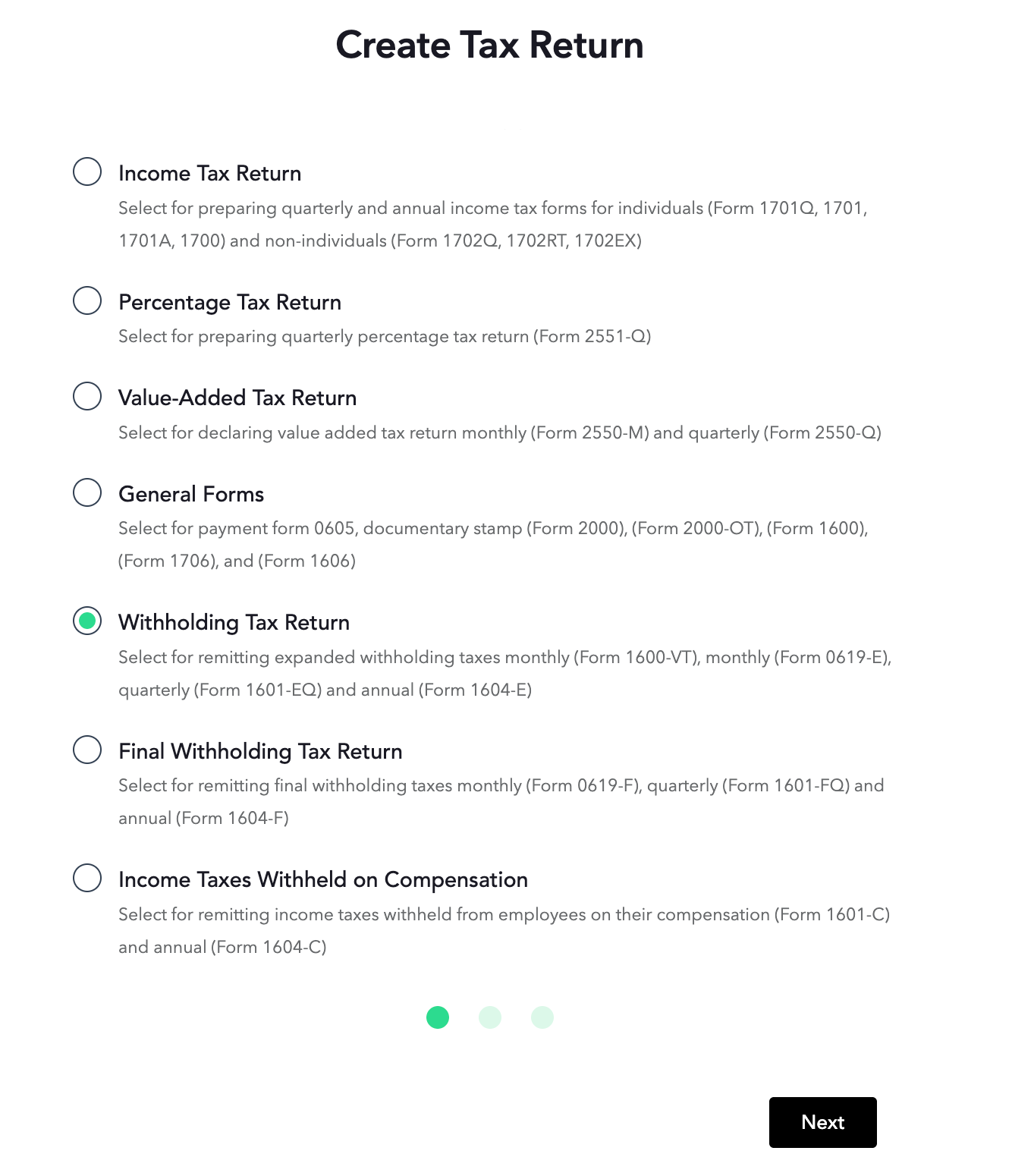
STEP 2: Select Withholding Tax Return and hit Next.
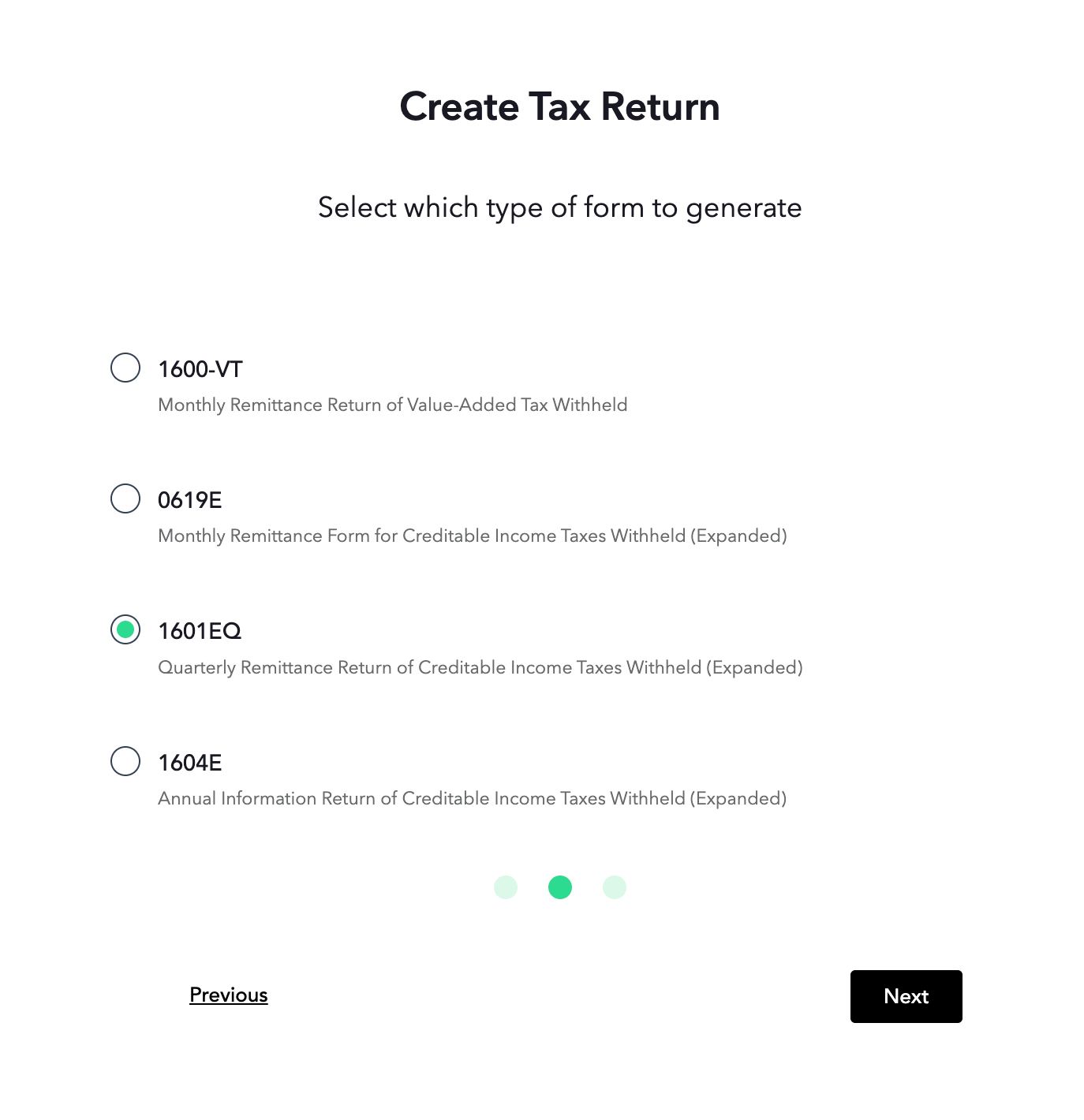
STEP 3: Choose 1601EQ, then click the Next button.
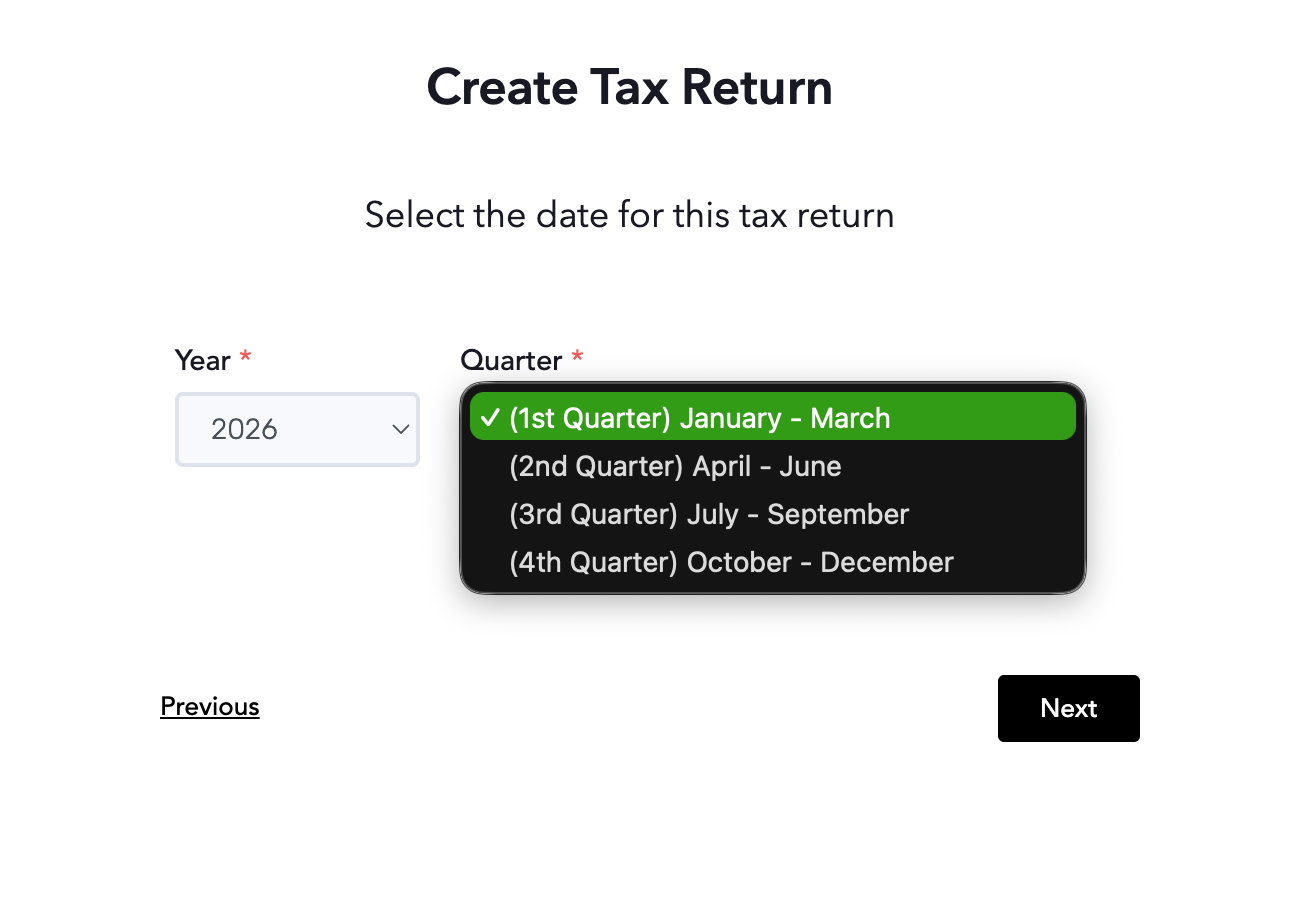
STEP 4: Select the date of the transaction covered in this report. Choose from the Year and Quarter drop-down buttons, then click Next.
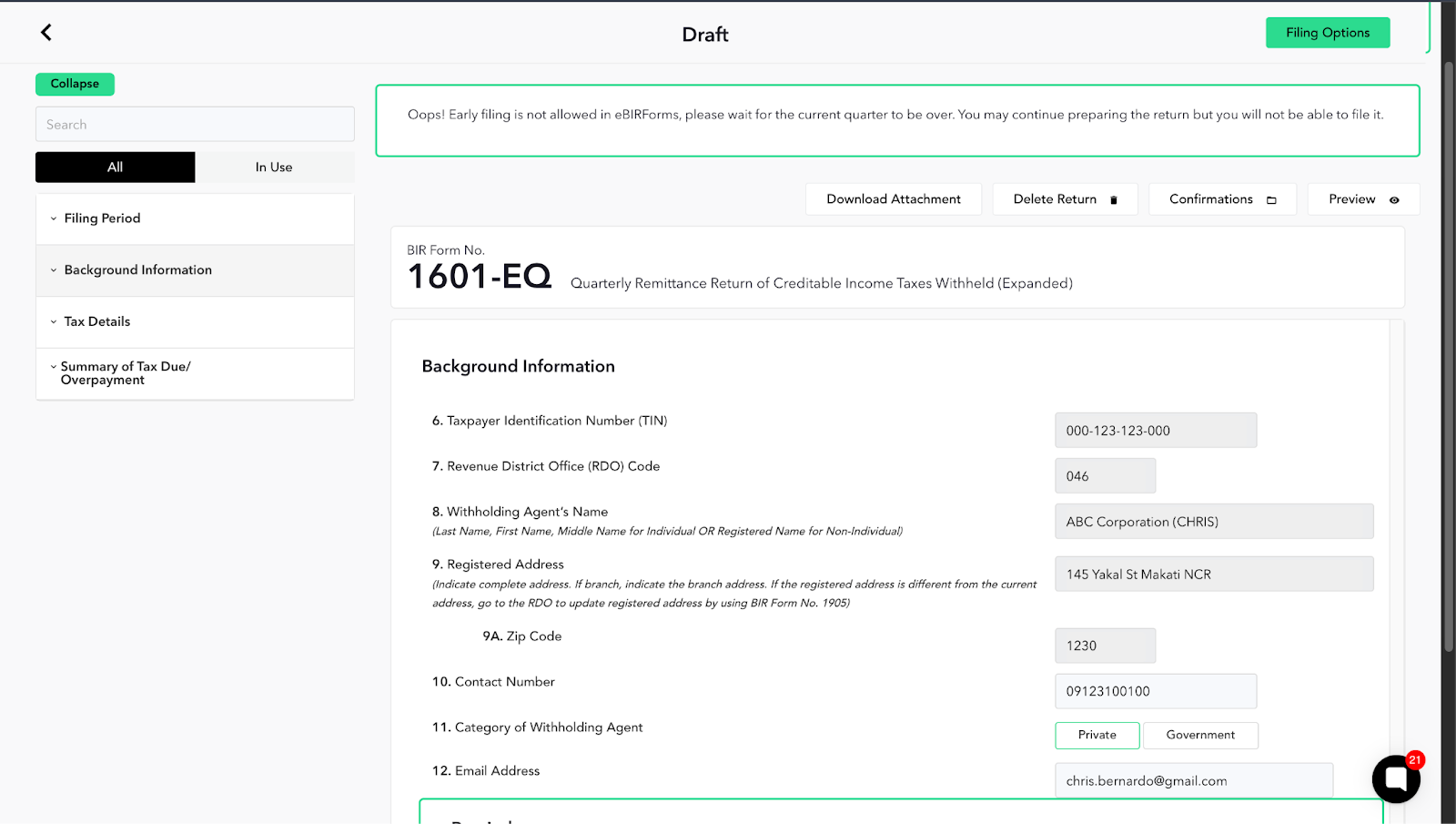
STEP 5: When you are inside the form, Review the Filing Period, enter all background information properly based on your BIR Certificate of Registration (COR/Form 2303).
Certain parts of the form are already pre-populated based on the information that you have provided during the organization setup.
STEP 6: In the 2nd section of the form, enter your Tax Details. This includes the Purchase Transactions wherein a tax has been withheld based on your Vendor's Quarterly Income Tax. You can also enter the Alphanumeric Tax Codes (ATC) to properly identify the tax collections.