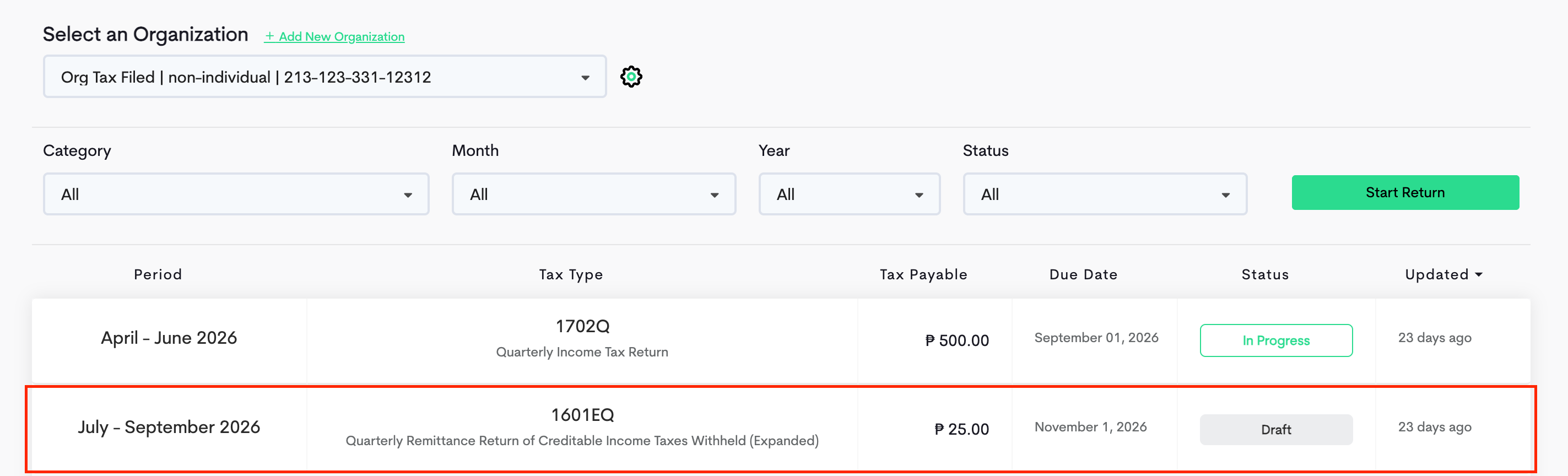
In Maya Quick Tax, you can generate multiple tax forms under one organization and work on them simultaneously.
Here's how:
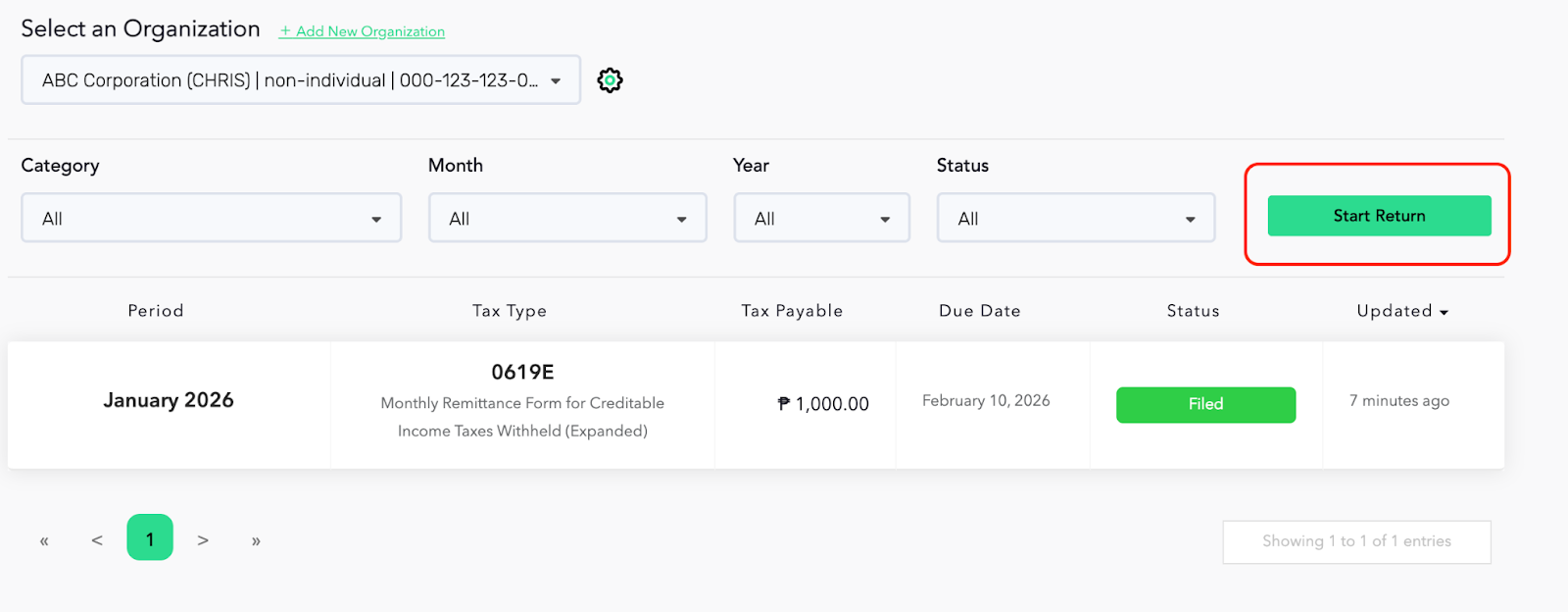
STEP 1: On your Maya Quick Tax dashboard, select an organization that you wish to generate a form for, then click the Start Return button.
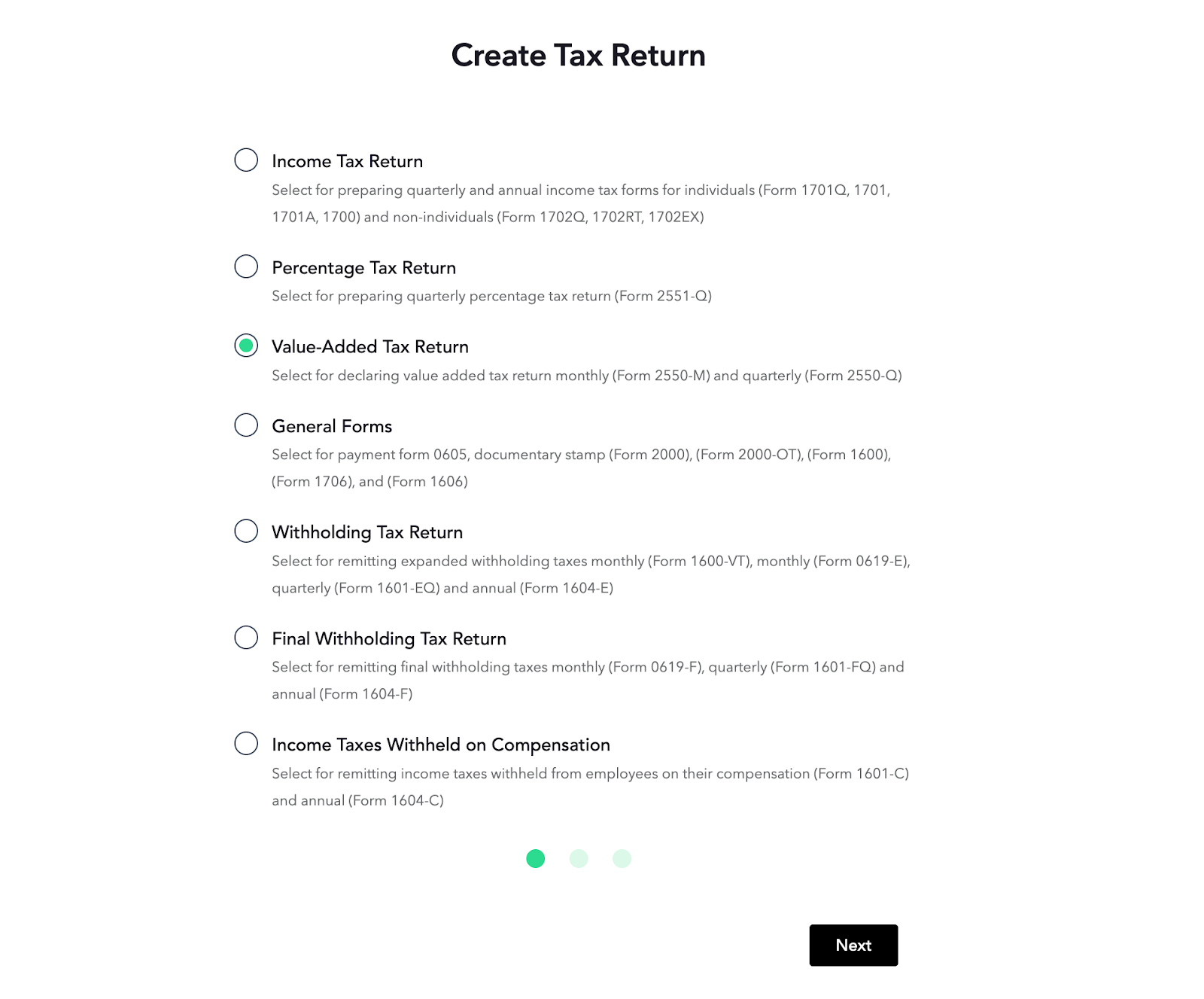
STEP 2: Choose which tax form you wish to create and click Next.
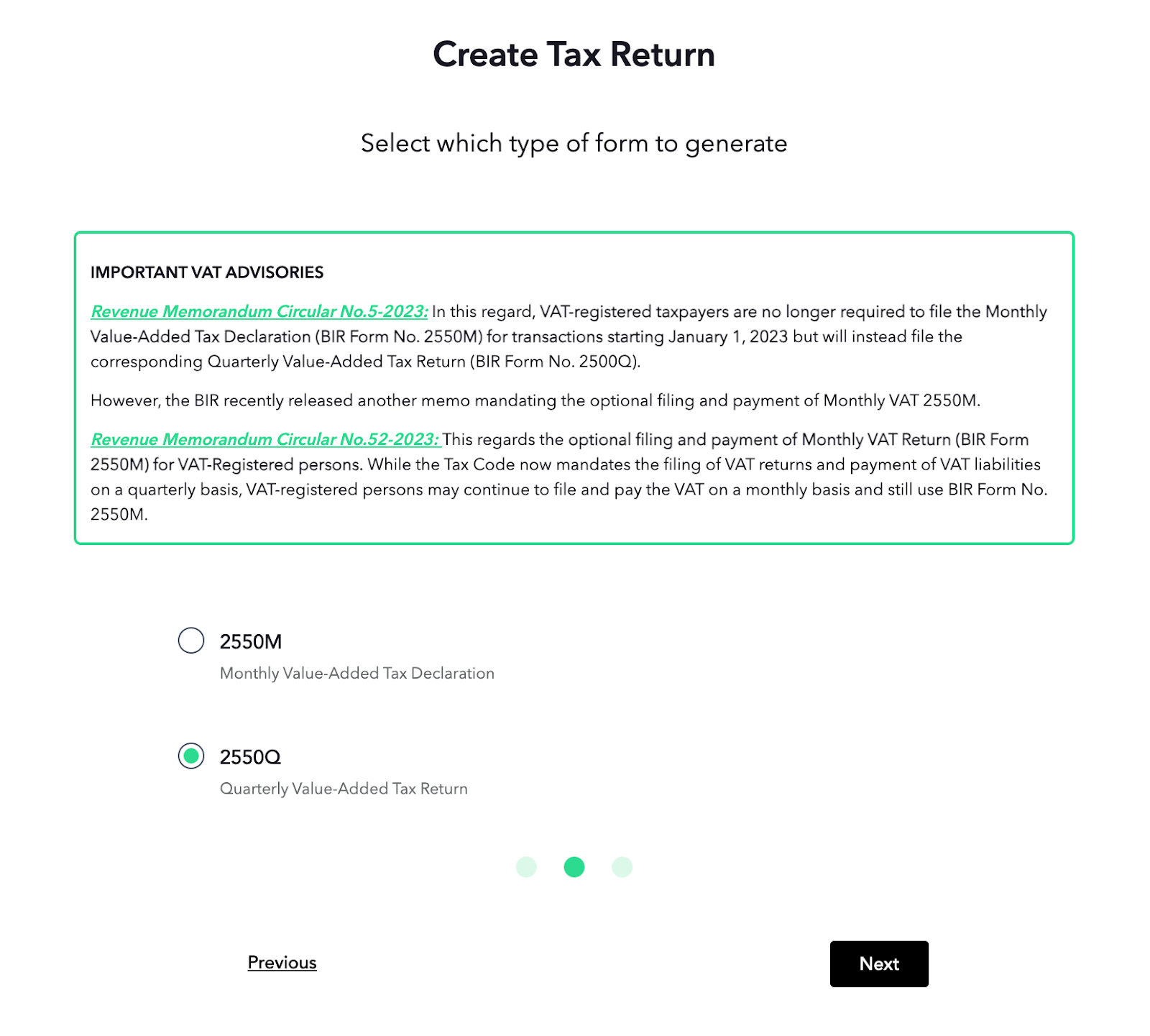
STEP 3: Select the type of tax form you want to generate and click Next.
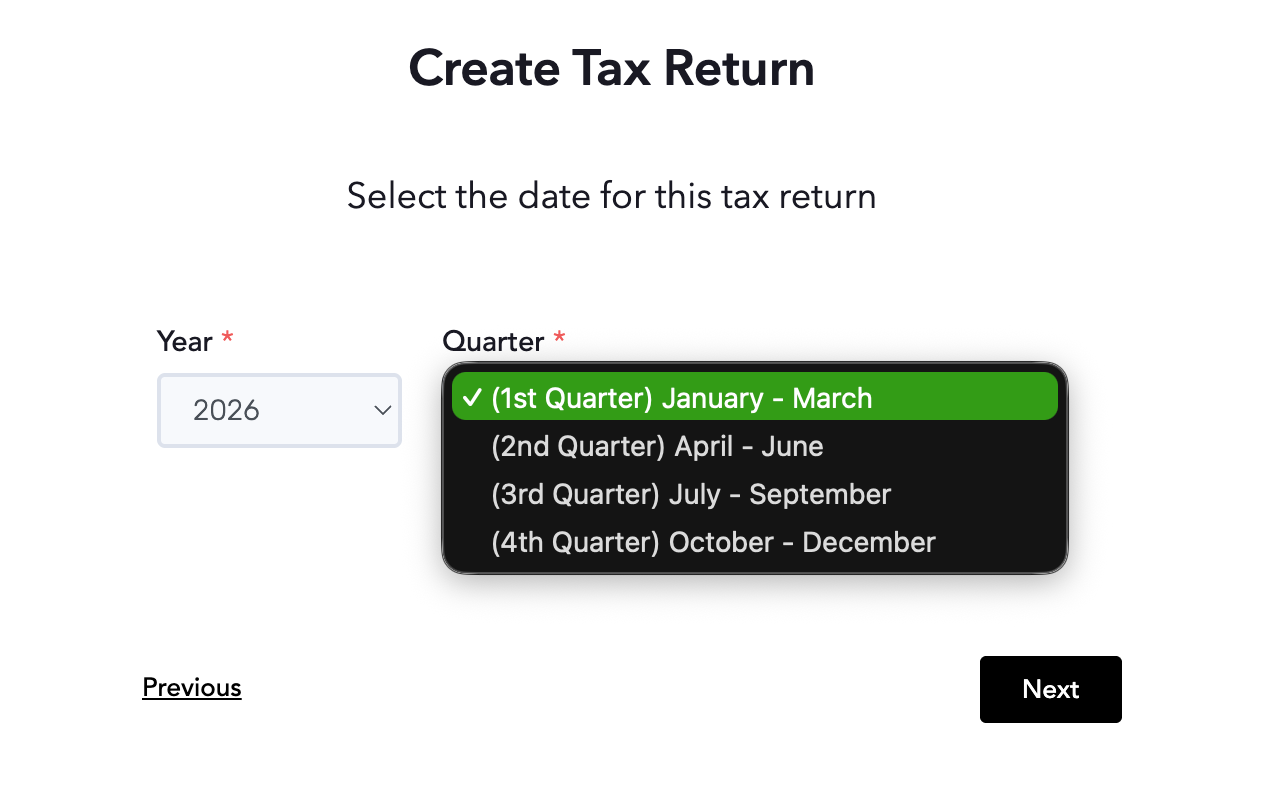
STEP 4: Select the date of the transaction that you wish to generate the report for from the Year and Month drop-down buttons then click Next.
Notice that your Maya Quick Tax dashboard now displays the tax return you have just set up. You can now choose and start working on any of the displayed tax forms in your dashboard.